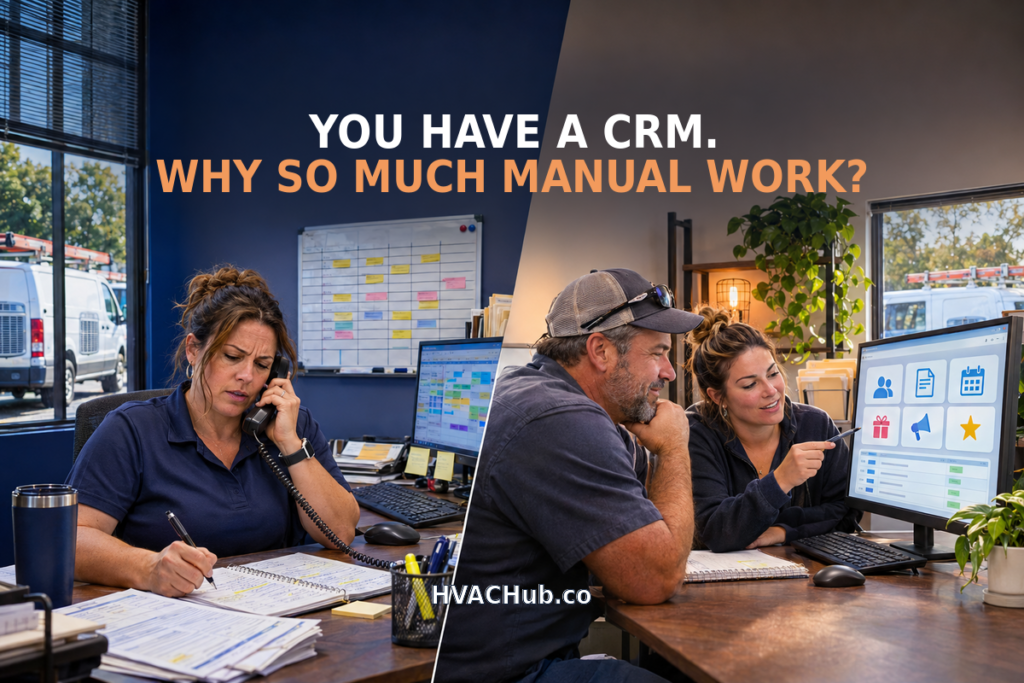
Your HVAC Company Has a CRM. So Why Is Your Office Still Doing Everything Manually?

Your HVAC company pays for software every month. The system holds customer names and displays jobs on a calendar. Staff can create invoices there, too. Yet the office still spends the morning calling customers, copying information between screens, checking whether technicians finished their appointments, and remembering which homeowners need a follow-up.
If this sounds familiar, the problem may not be that your business needs more software. It may be that the software and the actual way your team works are not connected.
HVAC CRM automation is about reducing repetitive administrative steps while keeping people responsible for decisions that require judgment. Before paying for another subscription, contractors should understand what their current system does, what it does not do, and which workflows are worth improving.
The HVAC Company That Bought Software but Never Saved Time
Imagine a five-truck residential service company on a busy summer Monday. Phones ring, two technicians fall behind schedule, and a customer wants an updated arrival window. The office manager has a CRM open, but still needs to call a technician for status, manually text the customer, and check another screen to find the service history.
At the end of the day, completed jobs are waiting for invoice review. The company has not contacted a homeowner who asked about a maintenance visit last spring. The team never invited several happy customers to leave a review because dispatch kept the responsible employee busy.
None of these problems necessarily means the employees are careless. It may mean the workflow depends on memory, disconnected information, or repeated manual handoffs.
The owner sees a monthly software bill and reasonably asks: what are we actually getting for it?
What Does an HVAC CRM Actually Do?
A customer relationship management system organizes information about customers and interactions. In an HVAC business, that may include contact details, service history, notes, estimates, communication records, and other account information.
Some HVAC platforms extend beyond traditional CRM functions into scheduling, invoicing, dispatch, marketing, and reporting. Others focus on a narrower set of tasks. The label on the product matters less than the capabilities your team can reliably use.
Storing customer phone numbers is useful. Helping employees find the right service history during a call adds even more value. With appropriate reminders and follow-up workflows, the team may also spend less time on routine office tasks.
But software does not automatically become a good process. If technicians skip required updates, office staff cannot trust the status displayed on the screen.
Storing information versus moving work forward
Think of a customer who books an AC tune-up. A record of that appointment is one piece of information. Confirming the booking, assigning the work, keeping the homeowner informed, recording completion, preparing an invoice, and managing any appropriate follow-up are separate steps.
A CRM may support some or all of these steps. Your job is to determine which ones require manual attention, which ones can be standardized, and which ones should never be automated without review.
Why Having Software Does Not Mean Your Business Is Automated
An HVAC company can own a sophisticated platform and still run its day through phone calls and sticky notes. Common causes include incomplete setup, inconsistent staff training, duplicate tools, unclear responsibilities, and workflows that were never mapped before the software was purchased.
For example, an appointment reminder cannot be dependable if appointment times are frequently changed outside the system. An invoice process cannot be consistent if job completion is never recorded in the same way.
Before enabling more automated actions, define what counts as a confirmed appointment, a completed job, an approved invoice, and a customer who has agreed to receive a particular type of message.
Automation amplifies the quality of the underlying process. It can also amplify mistakes.
Seven Manual Tasks Worth Reviewing in Your HVAC Office
1. Appointment confirmations and reminders
Office staff may call every homeowner to confirm tomorrow’s visits. Appropriate automated reminders can reduce repetitive outreach, but customers still need a reliable way to respond, reschedule, or ask questions.
Keep appointment windows accurate. Do not send a confident arrival promise when dispatch has not confirmed the schedule.
2. Technician-to-office job updates
After a technician finishes a service call, the office should know whether the work is complete. A clear job-status process can help staff complete the next step on time.
The technician must still record the work accurately. Clicking a completed-status button should not replace service notes, safety checks, or necessary approvals.
3. Invoice preparation and review
Typing customer names, addresses, and job details more than once wastes time and increases the chance of errors. Connected records may reduce duplicate entry.
However, pricing, scope, tax treatment, payment terms, and customer approvals still require proper checks. Sending incorrect invoices faster is not an improvement.
4. Maintenance follow-ups
A homeowner may appreciate a relevant reminder when seasonal maintenance is due. But a reminder should reflect the customer’s actual service history, the system involved, and applicable communication preferences.
Avoid generic messages that imply maintenance is overdue when the company does not know whether another contractor has already performed it.
5. Review invitations
Satisfied customers sometimes leave reviews after receiving a simple, timely invitation. A consistent process can help the office remember to ask.
Review requests should follow platform policies and applicable rules. Do not offer prohibited incentives, selectively solicit only positive reviews, or pressure customers to change honest feedback.
6. Customer history retrieval
When a homeowner calls about a previous repair, the office should be able to locate the right service record without searching through unrelated files.
Useful information includes prior appointments, invoices, equipment details, and documented customer preferences. Limit access to information employees actually need.
7. Campaign and loyalty administration
Customer communications and loyalty programs can help contractors stay connected between visits. But eligibility rules, consent, offer terms, and customer expectations must be clear.
Customers need to understand when they can use a loyalty reward. Sending a campaign automatically does not make it effective.

Where HVAC CRM Automation Can Make a Practical Difference
The strongest opportunities usually involve repeated steps with clear triggers and predictable outcomes. For example, a confirmed appointment can trigger a reminder at an appropriate time. A properly completed job can move to invoice review. The team may send a relevant seasonal message to a customer who opted into maintenance communications.
These are examples of workflows to evaluate, not promises that every CRM supports them.
Start with the task your office repeats most often. Estimate how much time it takes, how frequently errors occur, and what happens when it is delayed. Then assess whether your existing software can support a more reliable process.
Measure outcomes rather than feature counts
A platform with dozens of features may look impressive during a sales demonstration. What matters is whether it improves day-to-day work.
Consider measures such as time spent preparing invoices, the number of appointments requiring manual confirmation, missing service records, and how often customers call because they have not received an update.
Compare results over a reasonable period. Seasonal demand, staffing changes, and service mix can influence the numbers, so avoid attributing every improvement to software alone.
The Job Is Done. What Happens Next?
A technician repairs an air conditioner, explains the work, and leaves a satisfied homeowner. That is a successful service interaction. Yet the customer relationship continues after the van pulls away.
The invoice may need to be sent. A customer may need a receipt or follow-up answer. Equipment information should be recorded. The office may need to schedule a return visit for an approved additional repair.
Later, an appropriate maintenance reminder or review invitation might be useful. None of these steps should depend entirely on someone remembering them at the end of a hectic day.
A practical CRM workflow helps the team see which steps are pending and who owns them. The goal is not to replace thoughtful service with generic messages. It is to make important follow-through less likely to disappear.
The Automation Mistakes That Can Frustrate Customers
Poor automation is often worse than no automation. A homeowner who receives an appointment reminder after canceling may question whether the company is organized. A review request sent before an unresolved complaint is addressed can feel tone-deaf.
Duplicate messages are another common problem. When different systems send reminders independently, customers may receive several versions of the same notice.
Privacy and consent matter too. Follow applicable marketing, messaging, and data-protection requirements. Give customers appropriate control over promotional communications and distinguish service-related messages from marketing.
Before turning on any workflow, test it with realistic cases: rescheduled appointments, canceled jobs, incomplete invoices, customer opt-outs, and duplicate contact records.
Keep a person responsible for exceptions
A customer disputing an invoice, reporting a safety issue, or describing a repeated failure needs human attention. Automation can route the issue, but it should not pretend to resolve a situation that requires investigation.
Create a clear escalation path. Staff should know when to pause an automated sequence and contact the customer directly.
Do Small HVAC Businesses Really Need Automation?
A one-person contractor may not need the same system as a company with fifteen technicians. The right level of automation depends on call volume, office capacity, service mix, and the cost of missed handoffs.
If a simple calendar and consistent invoicing process are working well, adding complex workflows may create more work than it removes.
On the other hand, even a small company may benefit from reducing duplicate data entry or making appointment information easier to find. The objective is not to automate everything. It is to remove friction where the benefit is clear.
Owners should also consider setup time, employee training, data migration, ongoing fees, support quality, and the effort required to change providers later.
What Connected Business Tools Can Help You Organize?
When evaluating HVAC business software, look beyond the word CRM. Consider how the functions your team uses most often relate to one another.
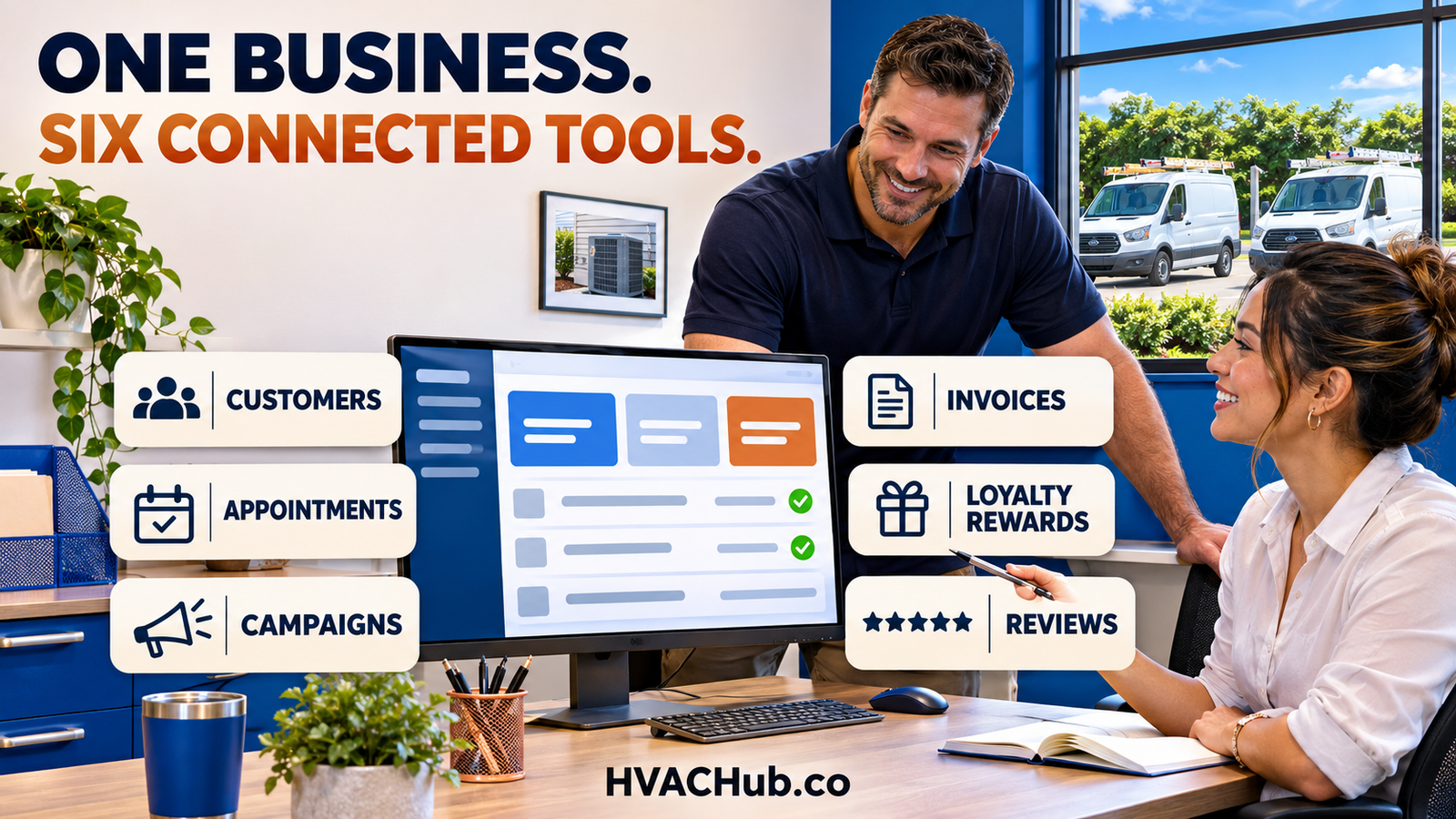
Customer records can provide context for appointments. Appointment records can connect to completed work. Invoices can be associated with the right customer and service visit. Review processes, campaigns, and loyalty rewards may support ongoing customer relationships when configured responsibly.
That does not mean every tool needs to run automatically. It means your team should not have to reconstruct the same information each time it moves from one task to another.
Ask software providers to demonstrate an ordinary service call from booking through completion, invoicing, and follow-up. Watch what requires retyping, which steps are configurable, and what happens when something goes wrong.
Questions to Ask Before Buying Another HVAC CRM
First, identify the problems your team actually experiences. Is the issue lost customer information, delayed invoicing, confusing appointment changes, or inconsistent follow-up? Avoid purchasing a platform because its feature list sounds comprehensive.
Second, ask how information moves between functions. Can staff find the correct customer record quickly? Is the same appointment status visible to the people who need it? Can errors be corrected without creating conflicting records?
Third, ask about training and support. Who configures the system? How long does implementation typically take? What happens when your office needs help during peak cooling season?
Fourth, understand the full cost. Review subscription terms, onboarding charges, payment-related fees, data export options, and any limits that matter to your business.
Finally, ask to test real workflows using representative sample information rather than relying only on polished sales demonstrations.
A 30-Day Plan to Reduce Manual HVAC Office Work
Week 1: Map the work
Follow three real service calls from the initial phone conversation to final follow-up. Write down every place information is entered, copied, checked, or requested again.
Ask the dispatcher, technician, and invoice administrator where delays occur. Their answers may differ from what the owner expects.
Week 2: Choose one improvement
Select a manageable process, such as appointment confirmations or moving completed jobs into invoice review. Define what success looks like before changing settings.
Document the trigger, responsible person, customer communication rules, and exception handling.
Week 3: Test carefully
Run the revised process with a small number of appointments or jobs. Check whether messages are accurate, staff understand their responsibilities, and customers can reach a person when needed.
Correct problems before expanding the workflow to the whole company.
Week 4: Review results
Compare the pilot with the old process. Did staff spend less time repeating tasks? Were records more complete? Did customers receive clearer information?
If the process helped, document it and consider the next improvement. If it did not, find out whether the problem was software capability, setup, training, or the process itself.
A Community Opportunity to Explore Business Suite
HVAC Community Hub exists to encourage useful conversations about running and improving HVAC businesses. One recurring question is whether software can make everyday operations easier without creating another complicated system to manage.
For contractors who want to explore an option, HVACB Business Suite brings together six business functions: Customers, Invoices, Appointments, Loyalty Rewards, Campaigns, and Reviews.
HVACB.com, a business affiliated with HVAC Community Hub, offers the platform. This is a disclosed community offer, not an independent third-party software endorsement. Contractors should evaluate whether the tools fit their own workflows and review the applicable offer terms.

If you are interested in the current Black Friday free-access opportunity, you can complete the HVACB Black Friday claim form to request a promotional slot, subject to the offer’s terms and availability. You can also join the broader industry conversation at HVAC Community Hub.
The purpose of a trial is to learn whether the software is genuinely useful for your business. Test the everyday tasks that matter, involve your office team, and make your decision based on the experience rather than the promotion alone.
Frequently Asked Questions About HVAC CRM Automation
What is HVAC CRM automation?
HVAC CRM automation refers to software-supported workflows that reduce repetitive administrative actions, such as appropriate appointment reminders, record updates, or follow-up tasks. The platform and its setup determine which functions are available.
Can HVAC CRM software replace an office manager?
Software can support administrative tasks, but it does not replace the judgment required for dispatch changes, customer complaints, unusual invoices, safety concerns, and relationship management.
What should a small HVAC business automate first?
Start with a frequent, predictable task that creates measurable administrative work. Appointment reminders, consistent job-status updates, and invoice handoffs are common processes worth evaluating.
Is an HVAC CRM the same as field service management software?
Not necessarily. CRM traditionally focuses on customer relationships and records, while field service management may cover dispatch, technicians, work orders, and field operations. Some platforms combine both.
How do I know whether my HVAC CRM is worth the cost?
Measure actual usage and results. Look at time saved, errors avoided, record completeness, staff adoption, and customer communication quality alongside subscription and implementation costs.
The Goal Is Less Repetitive Work, Not More Software
An HVAC CRM should help your company run a clearer process. If employees still copy the same information between tools, chase every job update, and rely on memory for customer follow-ups, it is worth examining the workflow before buying something new.
The best improvements usually begin with understanding how the business operates, deciding what can be standardized, and testing one change at a time.
HVAC owners and office managers: what does your current software actually do without somebody manually pushing the process forward? Share what has worked—and what still creates extra work—at HVACHub.co.

Responses