
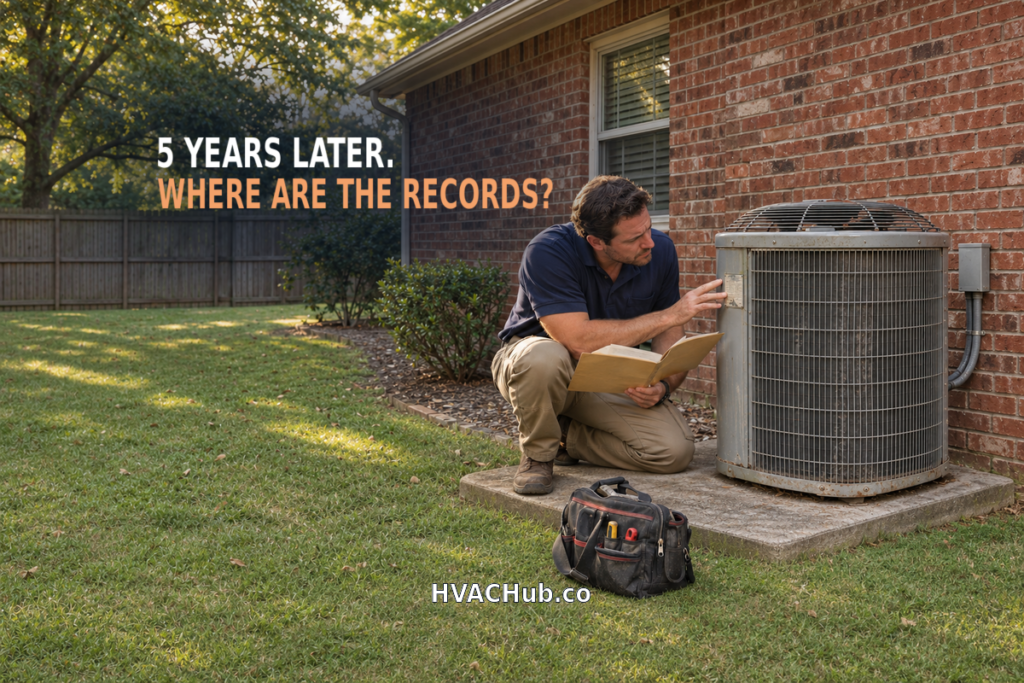
Your HVAC Company Installed the System. Five Years Later, Nobody Knows What Was Installed.

Five years ago, an HVAC company installed a new heating and cooling system in a customer’s home. The job was completed, the homeowner paid, and the team moved on. Now the customer calls because the equipment needs service. The office finds an invoice, but almost nothing else.
Which outdoor unit was installed? What indoor coil was paired with it? Was the warranty registered? Where are the startup readings? The technician arriving today did not work for the company five years ago. The original installer has left, and the paperwork offers few answers.
This is why HVAC equipment documentation matters. A detailed installation record is not paperwork for its own sake. It preserves the information future technicians, office staff, customers, and manufacturers may need to make informed decisions.
The Five-Year-Old Installation Nobody Remembers
Picture a service dispatcher receiving a call about an air conditioner installed by the company several summers earlier. The customer says it has stopped cooling and asks whether the repair is covered under warranty.
The dispatcher searches the customer’s name and finds an invoice reading “New HVAC system installed.” There is a total price and an installation date, but no equipment model numbers, serial numbers, matching indoor components, or warranty details.
The technician can still inspect the equipment on arrival. Yet finding and confirming information takes time, especially when nameplates are faded, access is limited, or multiple pieces of equipment serve the property. The company also risks giving the customer an inaccurate answer about coverage.
An incomplete record does not mean the installation was performed badly. It means the business failed to preserve useful evidence of what was installed and how it was operating when the work was completed.
Why an Invoice Is Not an Equipment Record
An invoice proves a financial transaction and describes the work billed. An HVAC installation record explains the equipment, configuration, and technical conditions associated with that work. Both are useful, but they answer different questions.
An invoice may list a brand and a system capacity. That is rarely enough to identify an exact replacement part or confirm a manufacturer’s eligibility requirements. Equipment combinations, accessories, and field modifications may affect future service decisions.
The installation record should link the customer, property, equipment, and completed work. When these elements live in separate files without a reliable connection, employees may struggle to reconstruct the job.
A practical goal is simple: a qualified technician should be able to open the correct customer record and understand what equipment is present before leaving for the appointment.

What Every HVAC Installation Record Should Include
Start with the property address, customer contact information, installation date, and service location. For properties with multiple systems, assign each unit a clear identifier such as “upstairs system” or “rear office unit.”
Record manufacturer, model number, and serial number for each relevant piece of equipment. Depending on the installation, that may include the outdoor unit, indoor coil, air handler, furnace, heat pump, thermostat, zoning controls, and important accessories.
Include the equipment pairing or configuration information needed to understand how the system was assembled. Record approved components and meaningful installation details without making assumptions about compatibility from appearance alone.
A useful HVAC equipment record also identifies the installer or crew, permit and inspection references where applicable, warranty documents, and customer-facing instructions provided at handover.
Record the location of each component
A single property can contain multiple condensers, air handlers, and controls. Model and serial numbers are much more useful when paired with a description of where the component is located.
For example, identify the outdoor unit at the east side of the house and the matching indoor equipment in the attic. Do not rely only on the order in which photos were uploaded.
Include relevant accessories and changes
A replacement thermostat, condensate safety switch, filtration upgrade, zoning component, or other accessory can matter years later. Record what was installed, where it is located, and any manufacturer-specific information needed for service.
When the system is modified in a later visit, update the equipment record rather than leaving the original installation information frozen in time.
The Photos HVAC Contractors Should Take Before Leaving
Photos can preserve details that are difficult to reconstruct. At minimum, consider clear images of equipment nameplates, the completed installation, relevant component locations, and important service-access conditions.
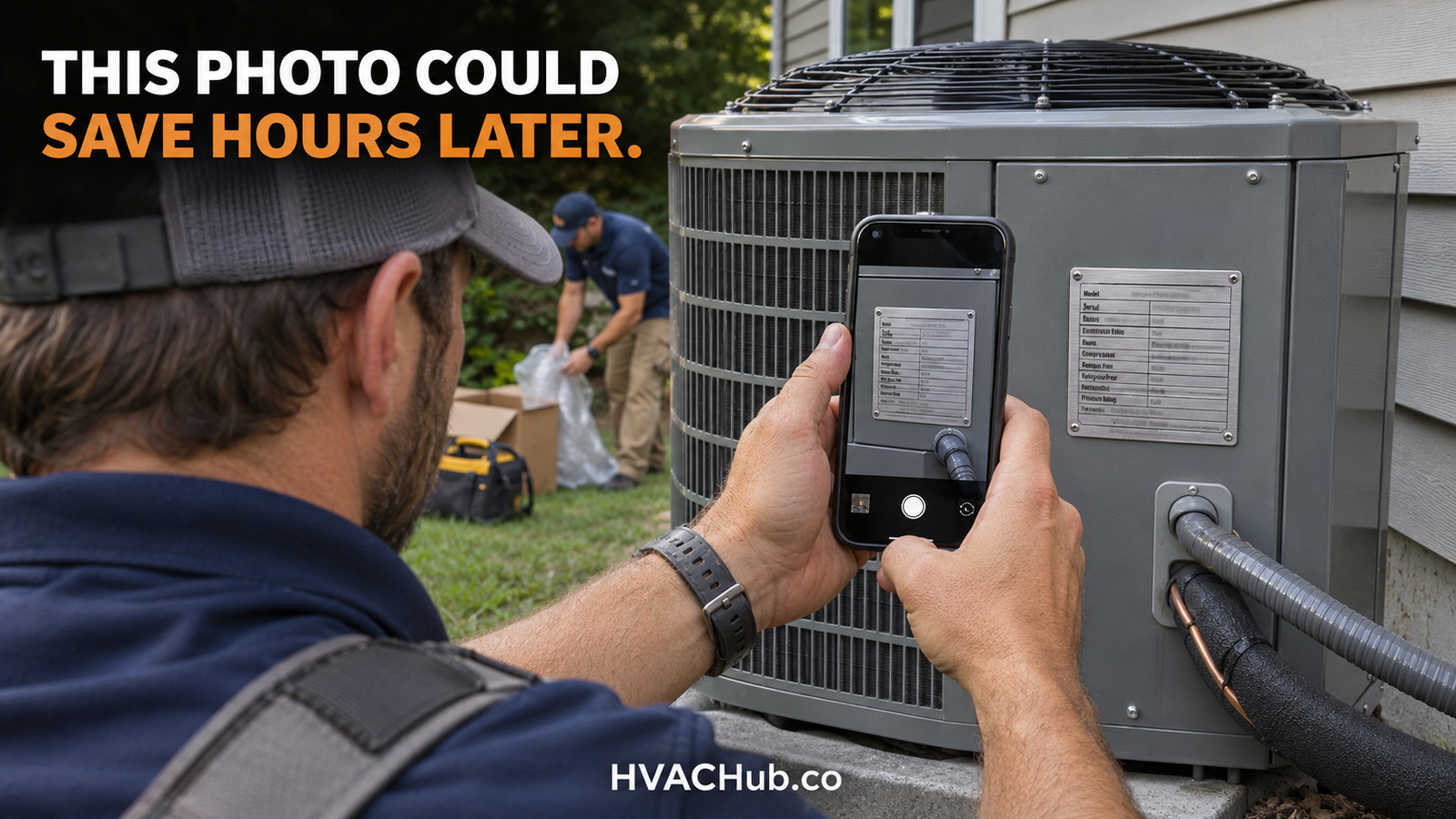
Photograph labels straight on, with enough light and resolution to read the model and serial numbers. A blurry photo is little better than no photo. Check the image before leaving the property.
Wide photos help future technicians understand which equipment belongs to which system. Close-up photos capture technical identification. Both have a purpose.
Take only appropriate images and respect customer privacy. Avoid unrelated household details, sensitive documents, faces, or personal information that the company does not need. Follow the company’s data-handling and retention policies.
Make photos searchable
A folder full of unnamed pictures is not a dependable documentation system. Attach each image to the correct property, system, component, and job record.
Use consistent labels such as “outdoor unit nameplate” or “upstairs air handler.” Staff should not have to open dozens of photographs to find one serial number.
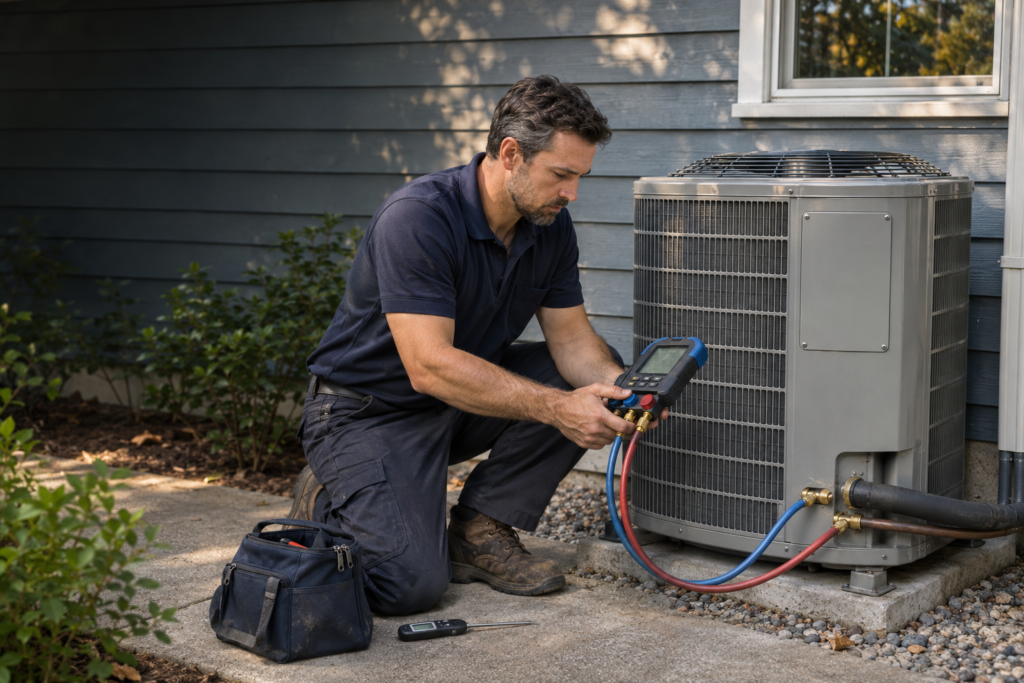
Commissioning Records: Information You Cannot Recreate Later
Equipment identification tells you what was installed. Commissioning and startup documentation helps show how it was configured and performing at the time of installation.
The appropriate measurements depend on the equipment and manufacturer instructions. They may involve relevant electrical checks, airflow, temperature conditions, controls, refrigerant-side procedures, safety checks, and functional testing.
Do not create one universal set of acceptable readings for every system. Operating conditions, equipment design, climate, and the installation itself influence what should be measured and how results should be interpreted.
Five years later, a technician can collect current measurements. They cannot travel back and recreate the exact indoor and outdoor conditions or the original startup results. Preserved baseline information may help distinguish later changes from original installation conditions.
Capture the conditions with the numbers
A number without context can mislead. When recording measurements, include appropriate units, operating mode, conditions, and the method or test reference where relevant.
If a required check could not be completed, document the reason and the follow-up plan. Never enter a fabricated value just to make a form appear complete.
How Missing Records Complicate HVAC Warranty Claims
Warranty coverage depends on the manufacturer’s written terms, equipment identification, dates, registration requirements where applicable, and the nature of the failure. Contractors should verify the current applicable terms rather than making promises from memory.
Without model and serial numbers, staff may need extra time to identify the equipment. Missing proof of purchase or installation dates can also complicate communication with the manufacturer or distributor.
Registration status may matter for certain warranties, but requirements and consumer protections vary by manufacturer and jurisdiction. Do not assume that an unregistered system automatically has no coverage.
Keep warranty details separate from sales promises
Record the manufacturer’s warranty documents, relevant registration confirmation, and any contractor labor-warranty terms separately. Parts coverage and labor coverage are not necessarily the same.
When a customer calls, explain what has been verified and what still needs confirmation. “We are checking the manufacturer’s terms for this exact unit” is more responsible than promising a free repair before eligibility is established.
What Happens When the Original Installer Leaves?
A technician’s memory can be valuable, but it should not be the company’s only source of information. People retire, change employers, relocate, or simply forget details from years earlier.
A reliable equipment record lets a new technician understand the installation without relying on someone who is no longer available. It also helps dispatch prepare for the appointment and allows the service manager to review earlier decisions.
Build documentation into the job-completion process. If records are collected only by the most organized employee, the system will fail when that person is absent.
A clear handover checklist should specify who captures photos, who enters equipment information, who verifies completeness, and when the record is considered ready for future use.

Paper Folders, Spreadsheets, or Software?
Small contractors do not need an expensive platform to begin. A consistent paper form paired with securely stored photos may be better than a complicated application nobody uses.
Spreadsheets can help track equipment identifiers, installation dates, and document locations. However, they require consistent entry, access controls, backups, and a clear method for attaching or linking images.
Dedicated service-management software may connect equipment records with customer history, work orders, warranties, and technician notes. Evaluate whether the team can actually retrieve information quickly in the field.
The right system is the one employees maintain and can use when a customer calls. Software does not solve incomplete records by itself.
Decide who can edit records
Not every employee needs permission to change equipment identification. Establish basic responsibilities for creating, correcting, and reviewing records. Preserve a change history where practical.
If a serial number was entered incorrectly, correct it with a note rather than silently overwriting information that may have been used in a prior service decision.
The Customer Experience When Records Are Missing
From the homeowner’s perspective, the company installed the system and should know what was installed. Being asked to find old invoices, climb into an attic, or read a faded label can feel unreasonable.
Sometimes the customer will need to help confirm information. The company should still take responsibility for checking its records first and explaining why additional details are needed.
Good documentation supports clearer scheduling, more accurate parts research, and more informed warranty discussions. It cannot guarantee a faster repair every time, but it can eliminate avoidable uncertainty.
A complete record also helps when ownership changes. If a new homeowner contacts the company, equipment identification may remain useful even though customer contact information has changed. Handle ownership and privacy carefully.
How to Build an HVAC Equipment Record Process in 30 Days
Week 1: Audit recent installations
Select a manageable sample of completed jobs. Can the office find the exact outdoor and indoor equipment identifiers, installation date, warranty documents, and startup records?
Note what is missing and where employees currently store information. Ask technicians which details they most often wish they had before arriving on a service call.
Week 2: Create one standard template
Design a form with required equipment identifiers, component locations, relevant installation details, photo categories, and commissioning fields appropriate to each job type.
Keep the form practical. Use optional sections for equipment that is not present rather than forcing technicians to fill irrelevant boxes.
Week 3: Pilot with current installation crews
Use the new process on a few jobs. Have an office employee try to retrieve the record without asking the installer for help. If the office cannot identify the equipment or find the photos, improve the process.
Make it easy to upload records from the field while following the company’s security and privacy procedures.
Week 4: Review and improve
Check the pilot records for missing identifiers, blurry nameplates, mismatched components, and incomplete startup notes. Assign someone to confirm that each job’s documentation is complete before final administrative closeout.
Then decide how to address older installations. Prioritize active service customers and systems with recurring service needs rather than trying to reconstruct every historical job at once.
Common HVAC Documentation Mistakes
The first mistake is recording only the outdoor condenser. Many systems have several linked components. A future technician may need indoor equipment identification and configuration details as well.
The second is treating photos as a replacement for structured information. Images are useful evidence, but staff should also be able to search equipment identifiers without manually inspecting every file.
The third is entering technical readings without units or test conditions. Values need context to be useful, especially when a later technician compares them with current operation.
The fourth is failing to update records after major equipment changes. If an indoor unit or control has been replaced, the original configuration may no longer describe the system.
Finally, avoid collecting information with no retention or privacy plan. Customer records should be protected, backed up, and retained according to applicable requirements and business needs.
Frequently Asked Questions
What is HVAC equipment documentation?
HVAC equipment documentation is the collection of records identifying installed equipment, its configuration, installation details, relevant startup information, warranties, and subsequent service changes.
What equipment information should HVAC contractors record?
Record the manufacturer, model number, serial number, installation date, and location of relevant system components. Include equipment pairings, important accessories, and applicable warranty and commissioning records.
Why are HVAC installation photos important?
Clear photos can preserve equipment labels, component locations, and completed installation conditions. They help future technicians identify equipment when paperwork is incomplete or physical labels are difficult to access.
How long should HVAC installation records be kept?
Retention periods depend on legal requirements, contracts, warranty obligations, privacy rules, and business needs. Contractors should establish a documented policy rather than assuming one universal retention period applies everywhere.
Can HVAC equipment records help with warranty claims?
Yes. Accurate identifiers, installation dates, proof of purchase, and registration records may help establish which warranty terms apply. Actual coverage must still be confirmed against the manufacturer’s requirements.
The Installation Is Finished. The Record Should Last.
An HVAC company may never send the same technician back to a system years later. That is exactly why installation knowledge should belong to the business record, not only to the person who performed the work.
Good HVAC equipment documentation connects equipment identification, installation photos, startup results, warranty information, and later service history. It makes future questions easier to answer and reduces avoidable confusion.
For HVAC owners and installers: if a customer called today about a system you installed five years ago, could your office find the exact model, serial number, and original startup information in two minutes? Share your experience with the community at HVACHub.co.




Responses