HVAC Software: Best Tools to Run Your Business in 2026

Running an HVAC business without the right software is like sending your technicians out without their tools. Everything takes longer. Mistakes happen more often. And jobs that should be simple become complicated.
The good news is that HVAC software has changed everything for business owners who use it correctly. In fact, companies that use modern HVAC software report a 20 to 30% increase in efficiency within the first six months. Furthermore, the right tools mean less time on paperwork, fewer missed jobs, and more money in your pocket at the end of every month.
In this guide, you will find out exactly what HVAC software does, which types your business needs, and how to choose the right one. Moreover, whether you run a small team or a growing operation with multiple vans, there is a solution here for you.
What Is HVAC Software and Why Does It Matter in 2026?
Most HVAC businesses start out the same way. A notepad for bookings. A spreadsheet for invoices. Text messages to communicate with technicians. This system works when you have two or three jobs a week. However, as your business grows, this approach breaks down fast.
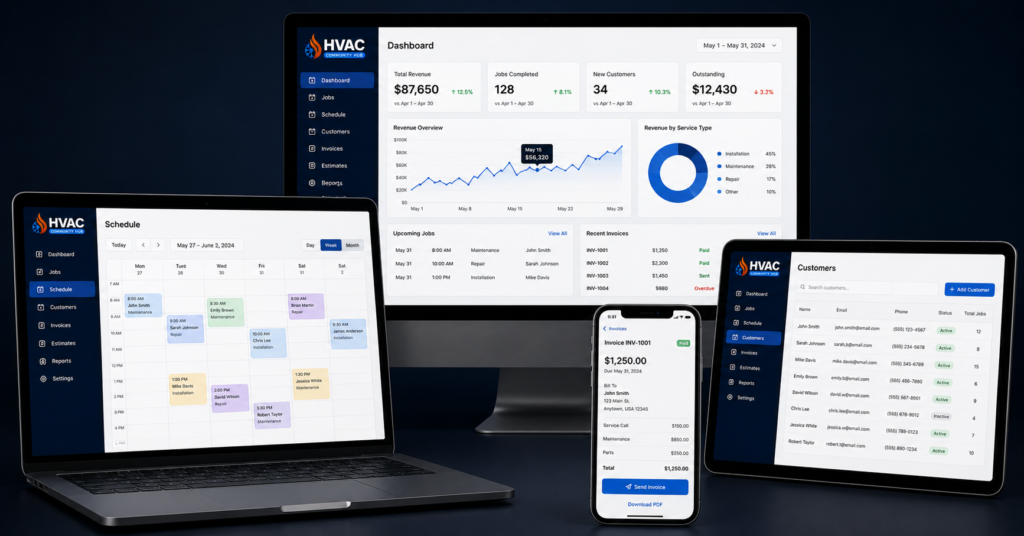
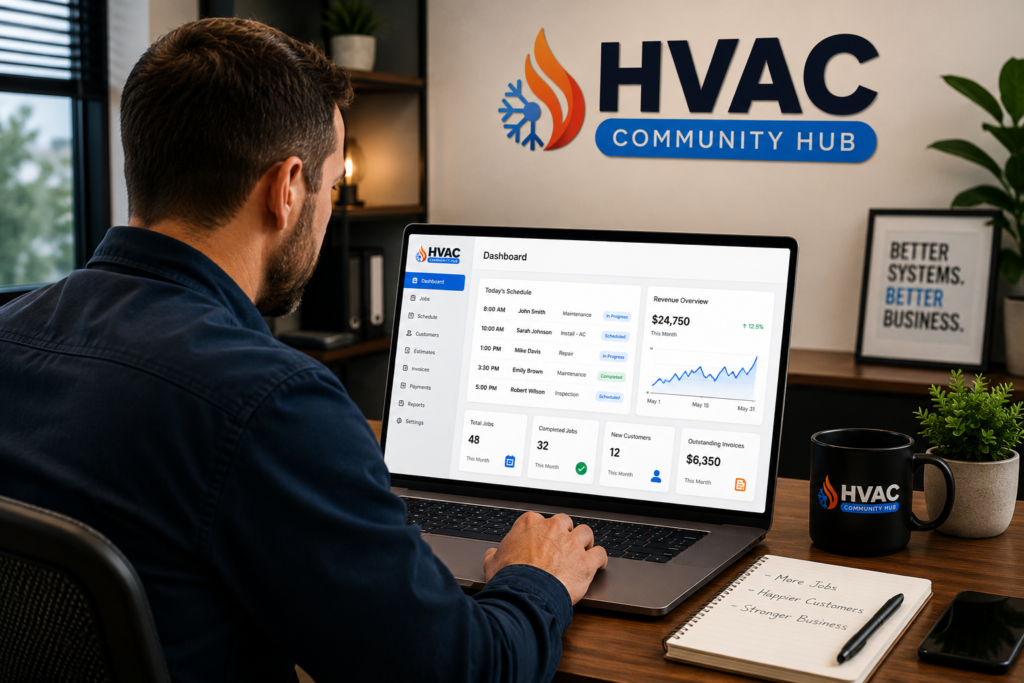
HVAC software replaces all of those separate tools with one system. It handles scheduling, customer management, invoicing, payments, job tracking, and reporting — all in one place. As a result, your whole team works from the same information at the same time.
How HVAC Software Has Changed in 2026
In 2026, HVAC software has gone much further than simple scheduling tools. Today, the best platforms include AI-powered features that send automatic follow-up messages to customers, alert you when a job is running over budget, and even predict when a customer’s system is likely to need service again.
Furthermore, cloud-based software means your office manager, your technicians, and you can all see the same job details in real time — from any device, anywhere. So whether your technician is on-site or you are checking in from home, nothing gets missed.
The Real Cost of Not Using HVAC Software
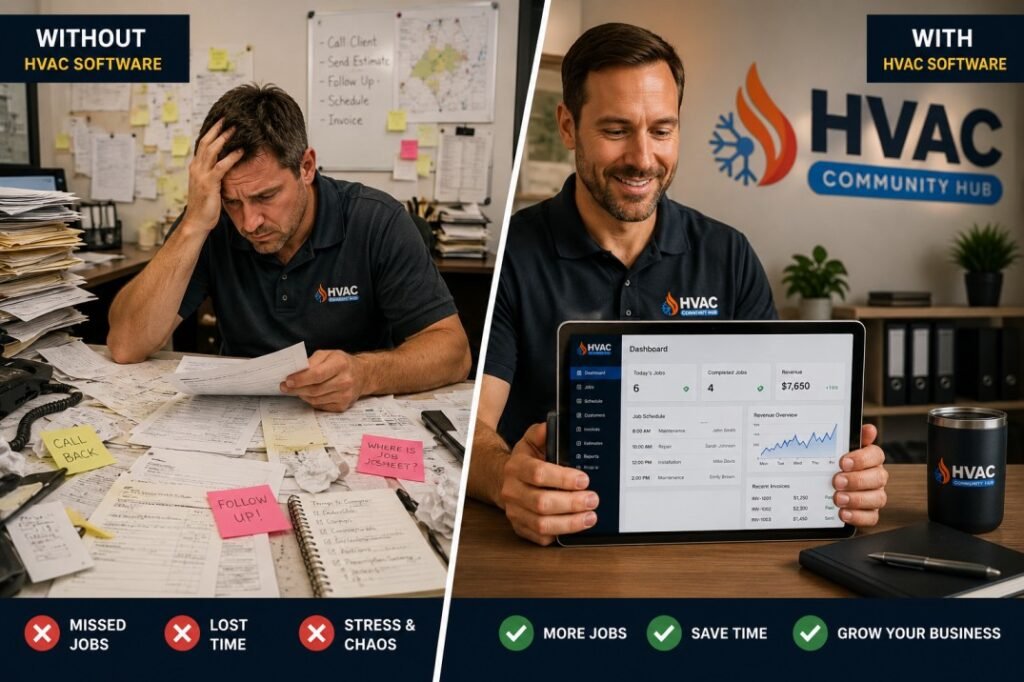
Many HVAC owners delay getting software because they think it is too expensive or too complicated. However, the real cost is in what they are losing every day without it. Missed follow-ups mean lost repeat customers. Scheduling errors mean double bookings or no-shows. Manual invoicing means slow payments. As a result, businesses without proper software are often working harder than they need to — and earning less than they should.
The 6 Types of HVAC Software Every Business Needs
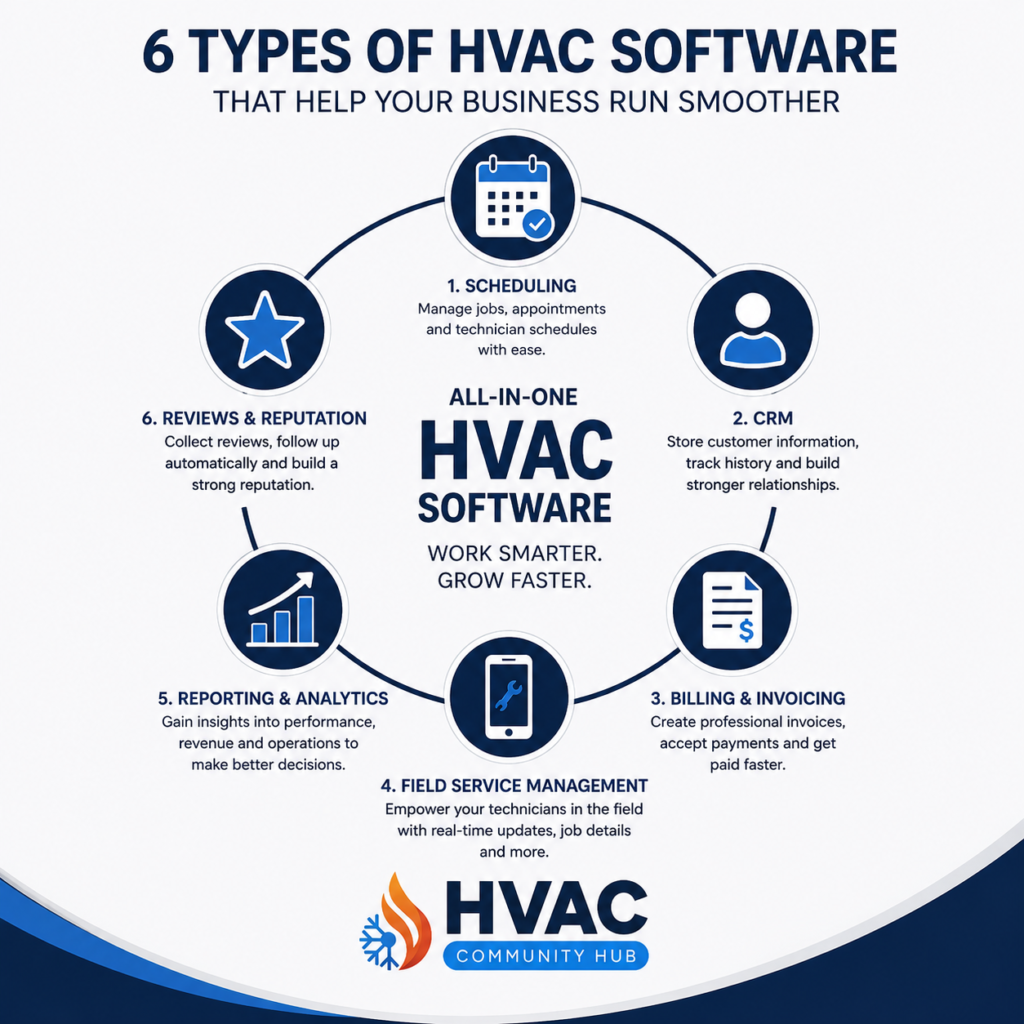
There is no single tool that does everything perfectly. However, understanding the six main types of HVAC software helps you build the right system for your business.
1.Scheduling and Dispatch Software
First, every HVAC business needs a reliable way to manage bookings and send technicians to the right jobs. Scheduling software gives you a visual calendar showing all your jobs, your available technicians, and their locations. Furthermore, the best tools use drag-and-drop scheduling so you can move jobs around in seconds when something changes.
Good dispatch software also sends automatic reminders to customers before their appointment. As a result, no-shows drop significantly and your team arrives at jobs that are actually ready for them.
2.CRM — Customer Relationship Management
Next, a CRM stores all your customer information in one place. Every job, every call, every invoice, every note — all attached to the customer’s profile. So when a customer calls back six months later, you can see exactly what work was done, what was quoted, and what needs follow-up.
Moreover, a good HVAC CRM sends automatic follow-up messages after every job. It reminds customers when their annual maintenance is due. It asks for a review after a completed visit. As a result, you stay in touch with every customer without lifting a finger. You can learn more about how CRM helps your business in our full guide.
3.Invoicing and Payment Software
Furthermore, getting paid quickly is one of the biggest challenges in HVAC. Manual invoicing is slow, easy to forget, and hard to track. In contrast, invoicing software generates a professional invoice the moment a job is complete — and sends it to the customer automatically.
The best platforms also accept online payments directly, so customers can pay by card or bank transfer without you having to chase them. As a result, your average payment time drops from weeks to days.
4.Job Management and Field Service Software
In addition, field service software gives your technicians everything they need on their phone or tablet. Job details, customer history, equipment notes, parts needed — all available before they arrive on site. Furthermore, technicians can update job status, take photos, collect signatures, and close out jobs from the field without returning to the office.
This is especially important for growing HVAC businesses. As your team gets bigger, keeping everyone on the same page becomes harder without the right tools in place.
5.Reporting and Business Intelligence Software
Moreover, you cannot grow a business you cannot measure. Reporting software shows you which jobs are most profitable, which technicians are performing best, which services generate the most revenue, and where you are losing money.
In fact, many HVAC owners are shocked when they first see their numbers clearly. Jobs they thought were profitable turn out to have high costs. Services they rarely promoted turn out to be their best earners. Therefore, good reporting software pays for itself by helping you make better decisions every single day.
6.Marketing and Review Automation Software
Finally, marketing software helps you stay visible and keep winning new customers without doing everything manually. This includes tools that automatically ask for Google reviews after every job, send seasonal promotions to past customers, and follow up with leads who requested a quote but never booked.
As a result, your marketing runs in the background while you focus on the work. And your Google reviews grow consistently — which directly helps your local rankings. For more on how reviews affect your rankings check out our full Google Maps guide.
How to Choose the Right HVAC Software for Your Business
With so many options available, choosing the right HVAC software can feel overwhelming. However, the decision becomes much simpler when you focus on four key things.
Step 1 — Know Your Business Size and Stage
First, consider where your business is right now. A solo operator with one van needs something simple and affordable. A business with five or more technicians needs something more powerful that handles multiple users, locations, and job types at the same time.
Therefore, do not buy software built for a large enterprise when you are just starting out. The extra complexity will slow you down rather than help you grow.
Step 2 — Look for an All-in-One Platform
Next, avoid using five different tools that do not talk to each other. When your scheduling tool does not connect to your invoicing tool, information gets lost between the two. As a result, mistakes happen and time gets wasted fixing them.
The best HVAC software platforms bring scheduling, CRM, invoicing, field service, and reporting into one system. Furthermore, all-in-one platforms are usually easier to learn and cheaper to run than buying separate tools for each function.
Step 3 — Make Sure It Works on Mobile
In addition, your technicians are never at a desk. They need software that works perfectly on a phone or tablet. So before choosing any platform, test it on a mobile device. If it is slow, hard to navigate, or missing key features on mobile — it will cause problems in the field every single day.
Step 4 — Check the Support and Training Available
Finally, even the best software is useless if your team does not know how to use it. Therefore, choose a platform that offers clear training resources, video guides, and responsive customer support. Furthermore, look for software that has an active community of users — so you can learn from other HVAC businesses who are using the same tools.
This is exactly why HVAC Hub includes software guidance, CRM setup support, and a community of business owners sharing what works inside our platform. As a result, you never have to figure it out alone.
What Good HVAC Software Should Do for Your Business Every Day
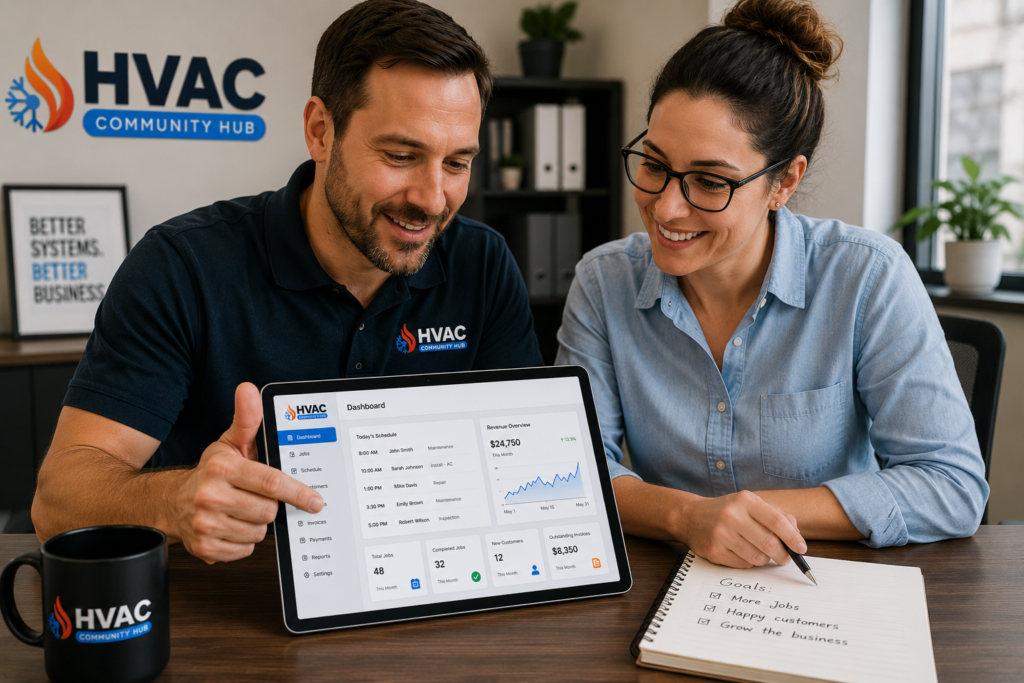
It helps to think about software not as a product you buy but as a system that works for your business around the clock. Here is what the right HVAC software should be doing every single day.
In the Morning
First, your software should give you a clear view of the day. Which jobs are booked, which technicians are assigned, and which customers need a follow-up call. As a result, you start every day with a plan — not a pile of messages to sort through.
During the Day
Furthermore, as jobs are completed in the field, your software should update in real time. Invoices should go out automatically. Customer records should update. Payment reminders should send without you having to think about them. Moreover, if a job runs over or a technician needs help, your dispatch view should show you exactly where everyone is.
At the End of the Day
Finally, your software should close out the day cleanly. All completed jobs marked off. All invoices sent. All follow-ups scheduled. As a result, you can finish work knowing that nothing has fallen through the cracks — and that your business is running the way it should.
Frequently Asked Questions About HVAC Software
What is the best HVAC software for small businesses?
For small HVAC businesses, the best software is one that combines scheduling, invoicing, and basic CRM in one simple platform. Tools like Jobber and Housecall Pro are popular starting points. However, what matters most is that the software fits your current size and can grow with you as your business expands.
How much does HVAC software cost per month?
Costs vary widely. Basic plans start at around $50 to $100 per month for solo operators. Mid-range all-in-one platforms cost between $150 and $300 per month for small teams. Furthermore, enterprise platforms like ServiceTitan can cost $250 to $400 per technician per month. Therefore, always match the cost to your current revenue and team size.
Can HVAC software help me get more Google reviews?
Yes — and this is one of the most valuable features available. Good HVAC software sends automatic review requests to customers after every completed job. As a result, your Google reviews grow consistently without you having to remember to ask. This directly improves your local search rankings and brings in more calls.
Do my technicians need training to use HVAC software?
Most modern HVAC software platforms are designed to be simple enough for technicians to learn in one day. Furthermore, the best platforms offer short video tutorials and simple mobile interfaces. Therefore, the learning curve is much smaller than most owners expect.
Is HVAC software worth the cost for a small business?
Yes — in almost every case. The time saved on scheduling, invoicing, and follow-ups alone is worth more than the monthly cost. Moreover, businesses that use HVAC software consistently report faster payments, fewer missed jobs, and higher customer satisfaction scores. As a result, the software pays for itself quickly.
The Right HVAC Software Makes Everything Easier
The best HVAC businesses in 2026 are not working harder than their competitors. They are working smarter. They use HVAC software to handle the repetitive tasks, keep their customers informed, and give their team the tools they need to do great work every day.
Where to Start
First, look at where your biggest pain point is right now. Is it scheduling? Invoicing? Following up with customers? Start with the tool that solves that problem first. Then build from there.
Furthermore, if you want guidance on which tools work best for HVAC businesses — and how to set them up correctly — HVAC Hub is exactly the right place. Our community includes business owners who have already been through this process. They share what worked, what did not, and how to get up and running fast.
In addition, HVAC Hub offers CRM setup support, automation guidance, and courses built specifically for HVAC business owners. So you do not have to figure it all out alone.
For practical ways to use these systems in your business, see our HVAC CRM playbook, HVAC business automation, and a more organized business structure.
Visit hvachub.co to join free and start building the systems your business needs to grow in 2026.

Responses