
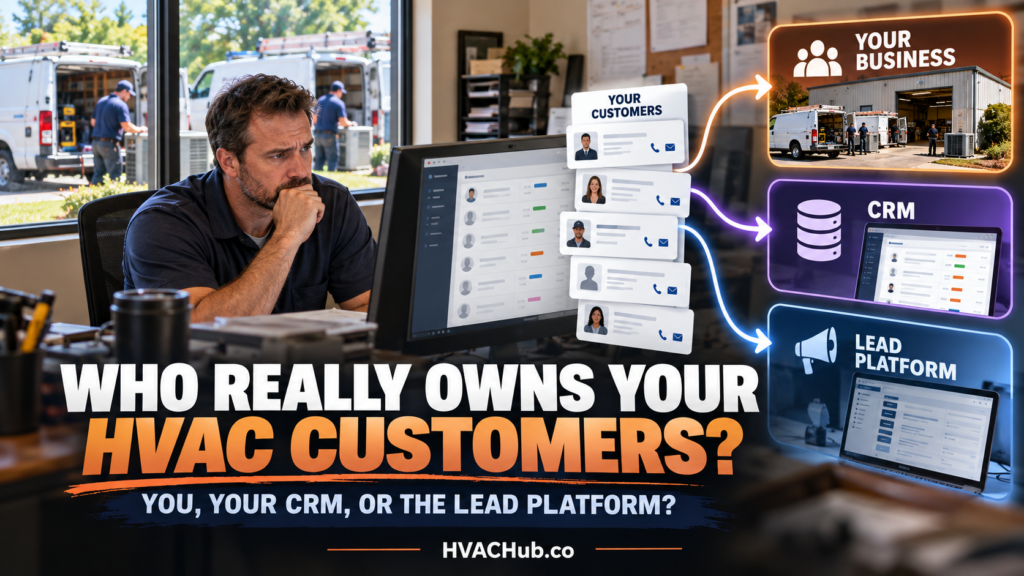
Who Really Owns Your HVAC Customers? CRM Data, Lead Platforms and Your Business

An HVAC contractor can spend years earning customer trust. The company answers late-night calls, repairs equipment, and keeps records of every visit. Yet a simple question can expose a serious business risk: if your CRM or lead platform stopped working tomorrow, could you still reach your customers?
The answer is not as simple as saying a contractor “owns” every customer. People choose who they hire, and privacy laws affect how businesses use their information. Still, contractors can control their own systems, access rights, and business records. This guide explains what to check before a software change or platform problem disrupts your HVAC company.
What Does It Mean to Own an HVAC Customer Relationship?
A customer is a person, not an asset a company can own. What an HVAC business can manage is the information it collects lawfully: contact details, equipment records, appointment history, quotes, invoices, and service notes. The business also builds its own reputation and customer relationships.
A CRM provider may store those records, while a lead platform may control the account where an inquiry began. Your contracts, account settings, and applicable privacy rules determine what you can access, export, retain, or use. Avoid assuming that paying for software gives you unrestricted rights to every record inside it.
Three Places Your HVAC Customer Information Lives
1. Your business records
These include invoices, job notes, service agreements, equipment details, and contact information you collect during your work. Keep accurate records and restrict access to staff who need them.
2. Your CRM or field service software
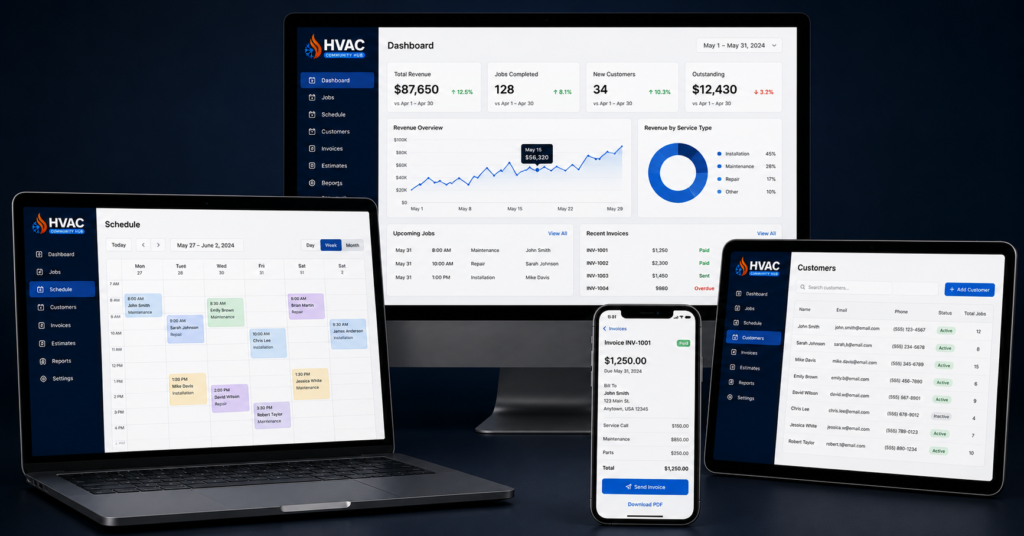
Your software may organize dispatch, reminders, estimates, and customer history. Before relying on it, find out who controls the account, which records you can export, what the export includes, and how you can recover data if access changes.
3. Lead-generation and advertising platforms
A marketplace or advertising platform can send you an inquiry without giving you permanent control over the original platform account or every piece of lead information. Review the terms, customer permissions, and your own intake process. A lead is not the same as a long-term customer relationship.
The CRM Switching Test: Could You Leave Without Losing Your History?
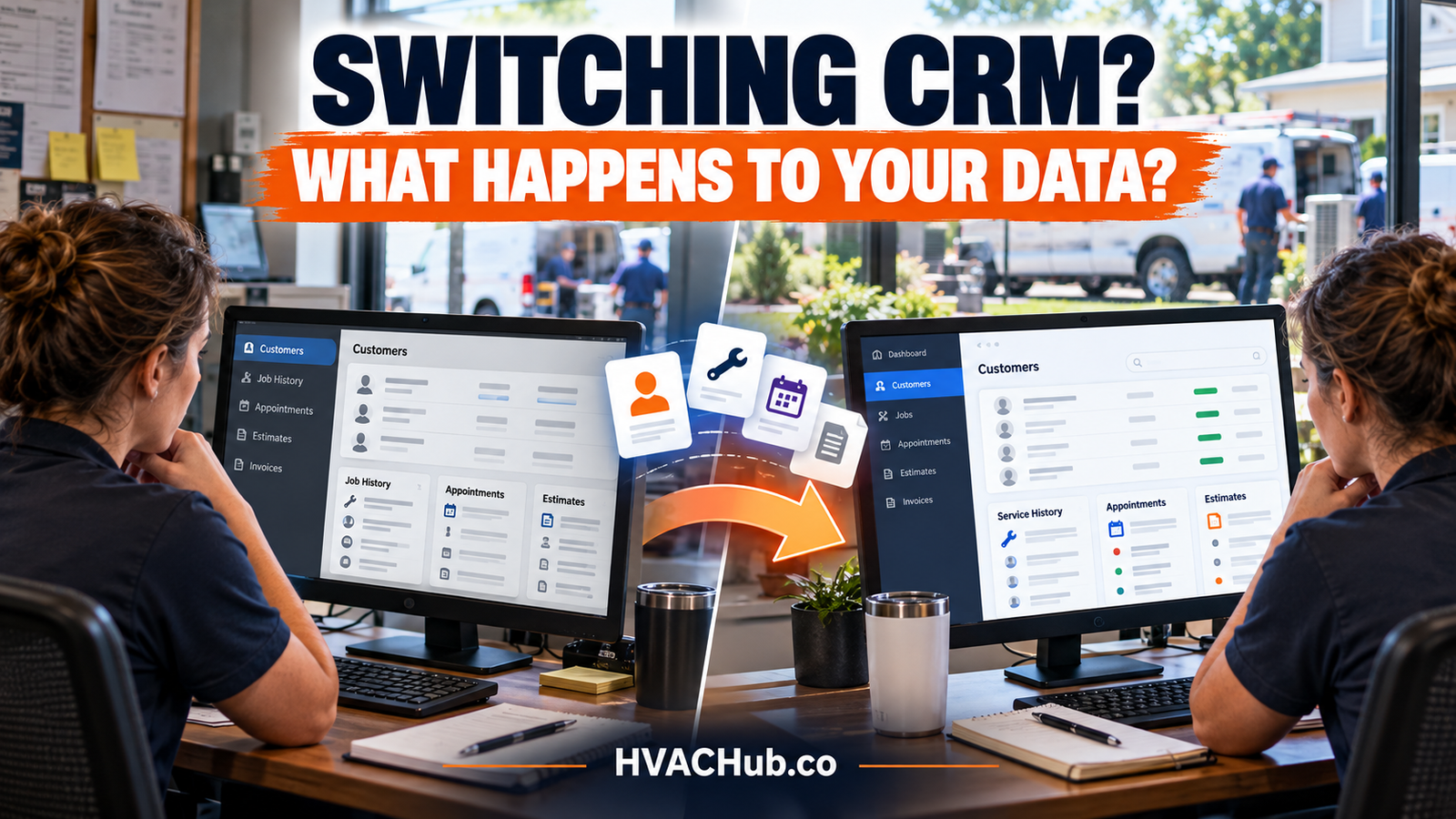
Picture a five-truck HVAC business moving to new software. The owner expects a quick transfer of customer names and phone numbers. Then the team discovers that service notes, equipment serial numbers, attachments, recurring maintenance visits, and open estimates need separate attention.
Before signing with a new provider, ask for a sample export. Check its format, attachments, field names, and whether you can match each record to the correct customer and job. Confirm what happens to active appointments, invoices, payment references, and customer communication preferences. Never assume that a CSV file contains everything.
Questions to ask a CRM provider
- Can administrators export customers, equipment, job history, notes, and attachments?
- Which records require a separate export or paid service?
- How long can we access our data after cancellation?
- What backup and recovery options are available?
- Can we assign and transfer administrator access securely?
- How does the platform handle deletion, retention, and privacy requests?
What Happens When One Platform Controls Most of Your Leads?

If most new inquiries come from one channel, a policy change, suspended account, higher advertising costs, or a broken integration can quickly disrupt the schedule. That does not make lead platforms bad. It means a contractor should understand the risk of depending on just one source.
Track where inquiries originate, which ones turn into booked work, and how customers find you again. Build useful direct channels such as your company website, a published phone number, permitted email communication, and a consistent referral process. Do not copy or reuse platform data in ways that break contracts or customer consent.
Five Practical Ways to Protect HVAC Customer Data
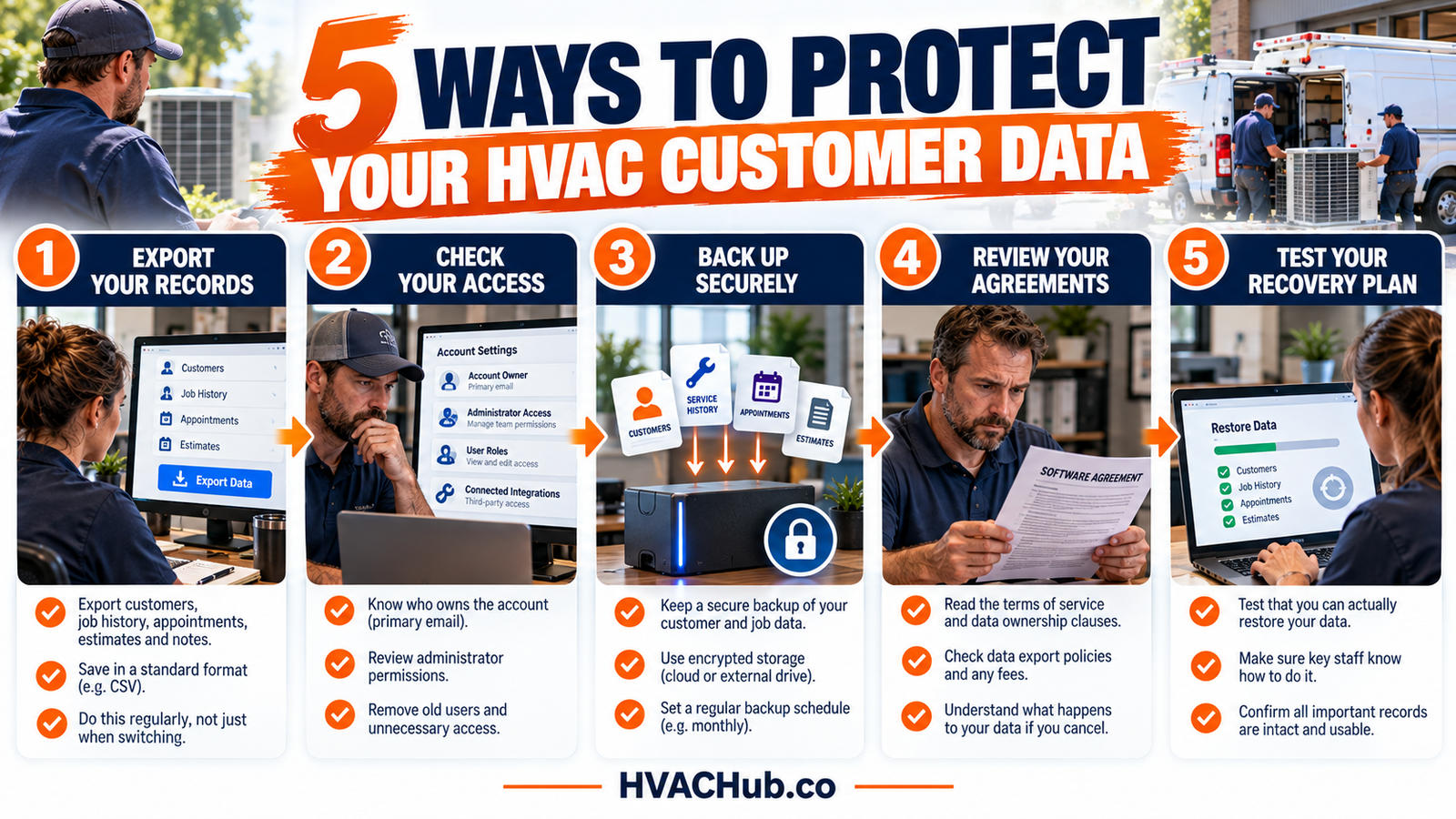
1. Export and inspect essential records
Create an export process that covers customer contacts, equipment information, job history, and open work where the system permits. Review a sample to confirm the files contain usable information.
2. Control account access
Use company-controlled accounts where possible, assign named administrators, enable multifactor authentication, and remove access when roles change. Avoid sharing one password across the office.
3. Keep secure, tested backups
Store backups in an approved location with limited access. Protect sensitive information and test recovery instead of assuming a saved file will work when needed.
4. Read contracts before you need to leave
Check export rights, cancellation terms, fees, retention rules, and service availability. Ask the vendor to explain any unclear clauses in writing.
5. Practice a recovery scenario
Ask a simple question: if the main system is unavailable tomorrow morning, how will dispatch find today’s jobs and contact affected customers safely? Document a temporary process and review it with the team.
Data Control Is Not Permission to Market to Everyone
Having a phone number in your records does not automatically mean you can send marketing messages. Consent, privacy notices, retention requirements, and communication rules vary by country and region. Use customer information for appropriate business purposes, honor preferences, and get qualified legal guidance when needed.
What HVAC Owners Should Do This Week
- Identify who has administrator access to each CRM, website, advertising, and lead platform account.
- Check whether the business can export complete customer and service records.
- Review one sample export for missing notes, attachments, and equipment details.
- Write down what dispatch would do during a system outage.
- Discuss the results with your office team and close the most serious gaps first.
Frequently Asked Questions
Does my HVAC company own its customer list?
Your business may have rights to use records it collected lawfully, but those rights depend on contracts and privacy rules. Customers remain free to choose their service provider.
Can I take my customers when I switch HVAC CRM software?
Often you can export at least some business records, but the exact scope depends on the provider and agreement. Confirm export options and privacy obligations before changing systems.
Is a CRM backup the same as a full export?
Not always. A backup may require the original software to restore it, while an export may omit attachments or special fields. Ask how each option works and test it.
How can I reduce dependence on paid lead platforms?
Measure lead sources, maintain an accessible company website and phone number, encourage genuine referrals, and keep accurate records of customers who choose to work with you.
What Would Happen to Your HVAC Business if Your CRM Went Offline?
Could your team find tomorrow’s appointments, service history, and customer contact details? Or would the day stop until someone regained access? Share how your company handles CRM exports, software changes, and platform dependence with fellow contractors at HVAC Community Hub. Discuss real lessons without posting customer-identifying information.
Responses