
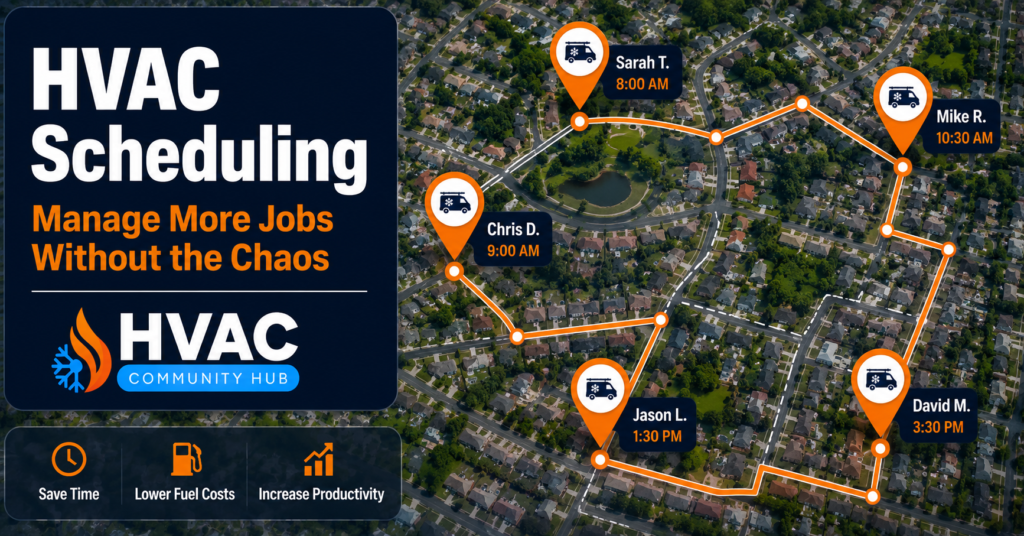
HVAC Scheduling: How to Manage Your Jobs Without Chaos

Poor HVAC scheduling is one of the fastest ways to lose money, frustrate customers, and burn out your team — all at the same time. In fact, when HVAC scheduling breaks, every other system in your business breaks with it. Dispatch slows down. Pricing accuracy drops. Customer follow-up disappears. Furthermore, research from McKinsey shows that service businesses that fix their scheduling and dispatch process see 10 to 25% productivity gains in year one alone. This guide shows you exactly how to fix your HVAC scheduling, manage more jobs without adding staff, and build a system that runs smoothly even on your busiest days.
Why HVAC Scheduling Breaks Down — and What It Costs Your Business
Most HVAC businesses start with a simple system. A whiteboard on the wall. A shared calendar. Text messages to technicians. This works fine when you have a handful of jobs each week. However, as your business grows, this approach falls apart quickly.
Without a proper scheduling system, HVAC businesses find themselves double-booking technicians, unable to slot in emergencies without a full schedule reshuffle, and with office staff constantly following up on job progress. The result is wasted time, frustrated customers, and a team that feels like they are always firefighting instead of working.
The Hidden Costs of Poor Scheduling
Poor HVAC scheduling creates costs that most owners never fully calculate. When technicians sit idle between jobs because of poor route planning, you are paying wages for unproductive time. When double bookings happen, you lose customer trust and sometimes the customer entirely. When emergency jobs cannot be absorbed without disrupting the whole day, your team works under constant pressure.
Furthermore, holding on to an outdated HVAC scheduling tool costs more than upgrading. Modern HVAC scheduling software routes the right technician to the right job, reduces drive time between jobs, and keeps every team member updated in real time. The businesses that fix their scheduling first are the ones that grow fastest without needing to hire extra admin staff.
When You Know Your Scheduling Is Broken
There are clear signs that your HVAC scheduling system needs fixing. Jobs regularly run late without warning. Customers call to ask where the technician is. Technicians show up without the right parts because job details were not communicated properly. Emergency jobs create full-day disruptions. Your office manager spends more time rescheduling than booking new work.
If any of these feel familiar, your scheduling system is costing your business money every single day. The good news is that fixing it does not require a big investment. It requires the right approach and the right tools.
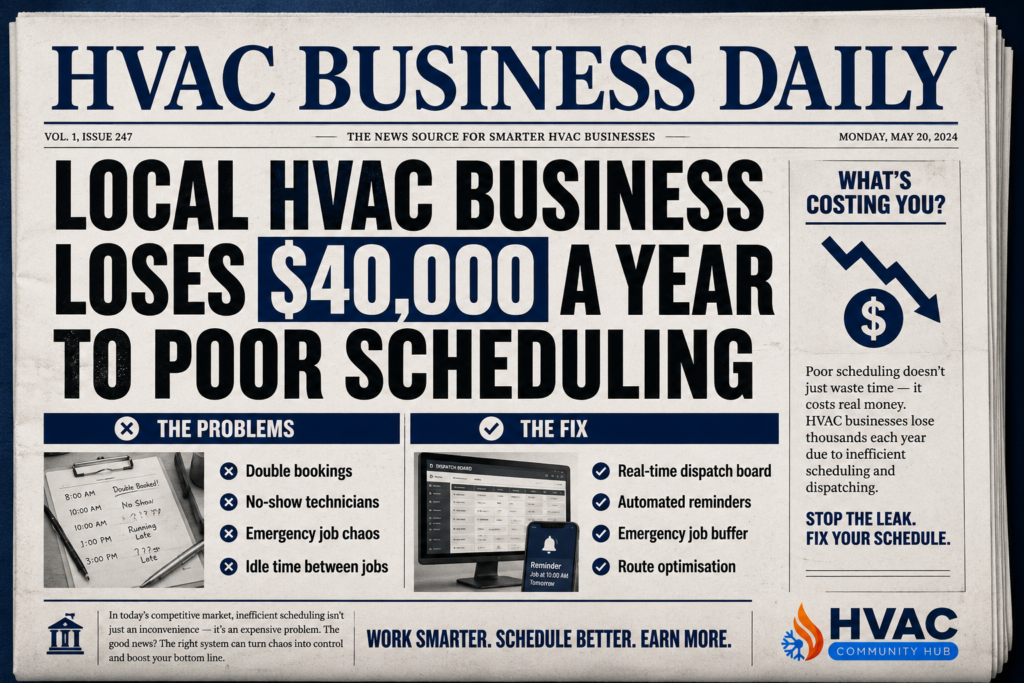
The 6 Foundations of a Great HVAC Scheduling System
Fixing your HVAC scheduling does not mean buying expensive software immediately. It means building the right foundations first. Here is exactly what a great scheduling system looks like.
1. A Central Visual Dispatch Board
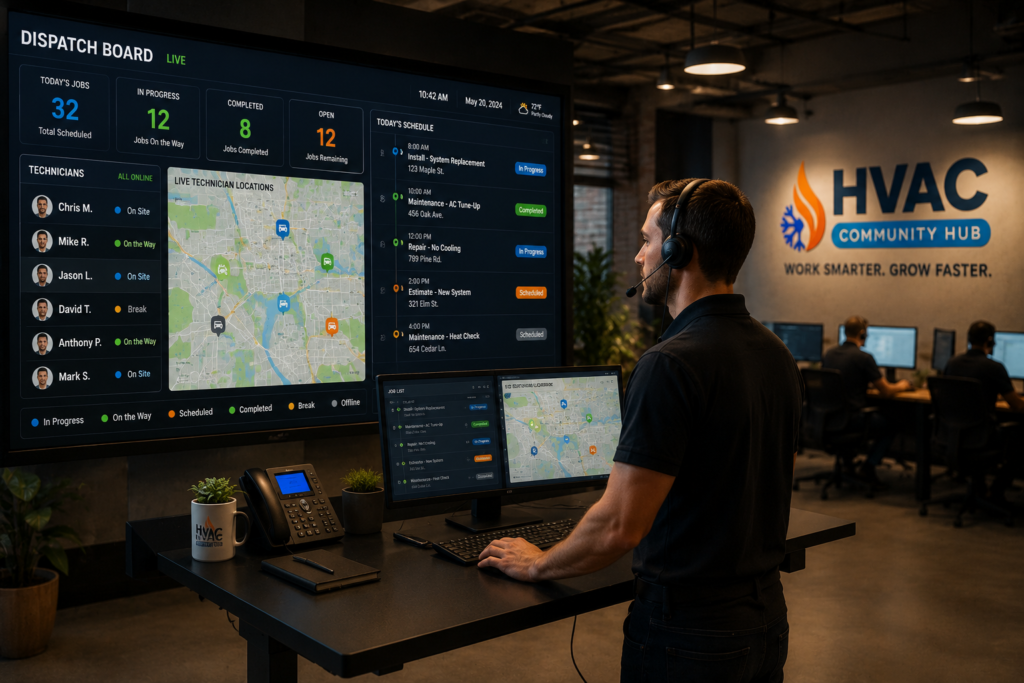
Every HVAC business needs one place where all jobs are visible at the same time. This can be a digital calendar, a scheduling software dashboard, or even a well-organised physical board for very small operations. The key is that every team member — office staff, dispatcher, and technicians — works from the same single source of truth.
The best platforms in 2026 include a drag-and-drop dispatch board with real-time technician location and capacity. This means you can see at a glance which technicians are available, where they are, and how much capacity they have for the rest of the day. As a result, booking new jobs and moving existing ones takes seconds instead of minutes of phone calls.
2. A Buffer for Emergency Jobs Every Day
Emergency HVAC calls are a fact of life. A system that accounts for them runs smoothly. A system that does not account for them falls apart every time one comes in.
Leave 10 to 15% of your daily capacity open for emergency jobs. This cushions your schedule and avoids full-day disruptions. As a result, your job scheduling stays intact even when last-minute calls come in. For example, if you run four technicians and each has an eight-hour day, that is 32 hours of total capacity. Keep four to five hours unbooked each day. Your team will stay on schedule and your customers will stop waiting hours for emergency responses.
3. Automated Customer Reminders
No-shows are one of the most frustrating and costly problems in HVAC scheduling. A technician drives 30 minutes to a job only to find nobody home. That is an hour of wasted time plus the cost of fuel and the lost opportunity of another job in that slot.
Automatic confirmations sent as soon as a job is booked, plus reminder messages 24 hours before and on the morning of the appointment, significantly reduce no-shows and cancellations. Most modern scheduling tools send these automatically by text message. This single feature alone recovers hours of lost time every week.
4. Full Job Details Sent to Technicians Before Arrival
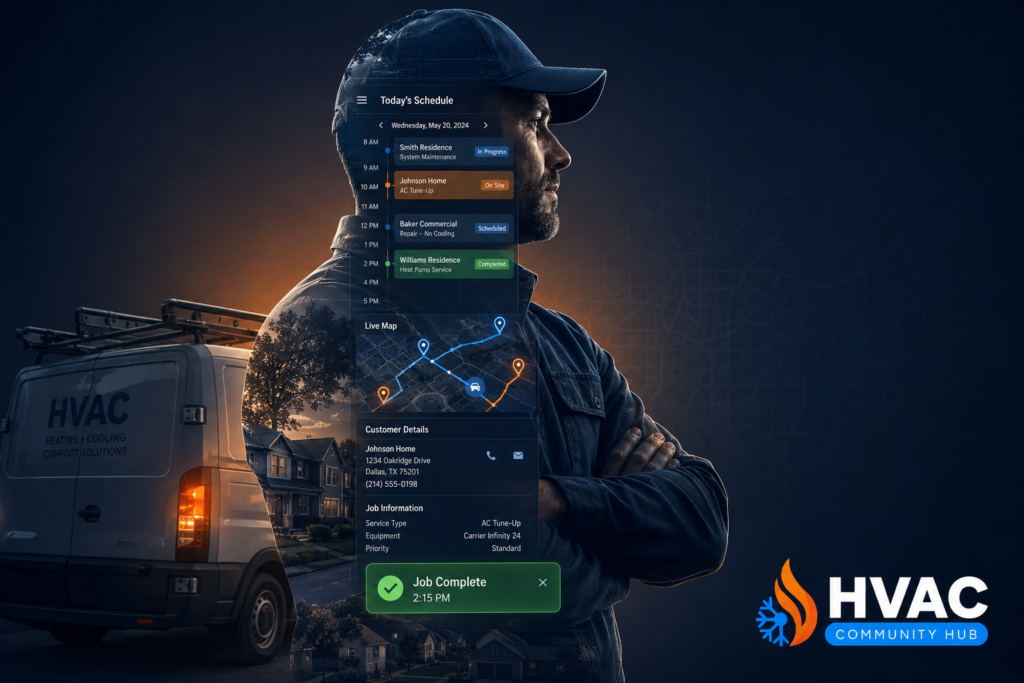
A technician who arrives at a job without the right information wastes time, frustrates the customer, and sometimes cannot complete the job at all. Every technician should receive full job details on their phone before they arrive — customer name and address, what the job involves, equipment details, customer history, and any special notes.
Good HVAC scheduling software sends technicians to the right job with the right information and captures job details including notes and photos while work is happening. As a result, first-time fix rates improve, callbacks drop, and customers feel genuinely well looked after.
5. Real-Time Job Status Updates
Your office should never have to call a technician to find out where they are or whether a job is finished. Real-time job status updates mean your dispatcher can see exactly which jobs are in progress, which are complete, and which technicians are available for the next booking.
Furthermore, real-time updates allow you to respond instantly to changes. If a job runs long, you can contact the next customer immediately. If a technician finishes early, you can send them to a nearby waiting job straight away. As a result, your schedule stays tight and your technicians stay productive throughout the entire day.
6. Recurring Maintenance Scheduling on Autopilot
If your business offers maintenance agreements — which every HVAC business should — your scheduling system needs to handle recurring jobs automatically. Manually booking every maintenance visit for every agreement customer is time-consuming and error-prone.
Good scheduling software handles recurring maintenance appointments automatically. It books the next visit when the current one is complete. It sends reminders to customers. And it alerts your team when an agreement customer is overdue for their service. As a result, your maintenance revenue runs on autopilot without you having to manage each booking individually. You can learn more about maintenance agreements in our full guide — HVAC MAINTENANCE
How to Handle the Hardest Scheduling Challenges in HVAC
Even with a great system in place, certain scheduling challenges come up regularly. Here is how to handle the most common ones.
Emergency Jobs That Disrupt the Whole Day
The key to handling emergency jobs without chaos is the buffer system described above. When your daily schedule has a built-in gap, emergency jobs slot in without displacing existing bookings.
Furthermore, train your office team to triage emergency calls quickly. Not every call that a customer describes as an emergency actually needs same-day attention. A quick set of questions — is the system completely down, is there a safety concern, is there water damage — helps you prioritise genuinely urgent calls from those that can wait until tomorrow.
Technicians Running Late or Overrunning Jobs
Jobs run over time. It happens in every HVAC business. The difference between businesses that handle this well and those that spiral into chaos is communication. The moment a technician realises a job will run long, they should update the job status in the system immediately.
Your office then contacts the next customer to let them know. A customer who receives a proactive call saying their technician is running 30 minutes late is understanding. A customer who waits an hour with no contact is angry. One habit — immediate job status updates — prevents most of the complaints that come from scheduling delays.
Double Bookings and Scheduling Errors
Double bookings almost always happen for one reason — two people are booking from different systems or different information. The fix is simple. Every booking must happen in one central system. No parallel spreadsheets. No paper calendars running alongside the digital one.
Good scheduling software prevents chaos by keeping all updates visible in real time, helping you respond quickly as the day changes and ensuring jobs stay on track. When every booking and every change happens in one place, double bookings become practically impossible.
What to Look for in HVAC Scheduling Software
If you are ready to invest in proper scheduling software, here is exactly what to look for.
Non-Negotiable Features for Every HVAC Business
The best HVAC scheduling platforms in 2026 share these features: a drag-and-drop dispatch board with real-time technician location and capacity, two-way customer SMS and email confirmations that reduce no-shows, recurring maintenance scheduling so service agreements run on autopilot, a mobile technician app with job details and customer history, and integration with your accounting and CRM tools to keep the back office clean.
Any scheduling tool that handles only the calendar without connecting to your invoicing, CRM, and customer communications is incomplete. Look for a platform that ties everything together
Choose Software That Fits Your Business Size
A solo operator with one van needs something simple, mobile-friendly, and affordable. A business with five or more technicians needs multi-user access, real-time dispatch, and route optimisation. Do not buy software built for a 20-van operation when you are running three. The complexity will slow you down rather than help you.
Start simple. Master the basics. Then add features as your business grows and your team becomes comfortable with the system. You can learn more about choosing the right HVAC software in our full guide — HVAC SOFTWARE
Frequently Asked Questions About HVAC Scheduling
How do I stop double bookings in my HVAC business?
Use one central scheduling system for every booking. Make sure all office staff and technicians update job status in real time. Never run a paper calendar alongside a digital one. When all bookings happen in one place, double bookings become virtually impossible.
How many jobs can one HVAC technician handle per day?
On average, a well-organised HVAC technician can handle four to six service calls per day for routine maintenance and repairs. For larger installation jobs, one to two jobs per day is more realistic. The key is matching job type and travel time to available capacity rather than just filling every slot.
How do I handle emergency HVAC calls without disrupting my schedule?
Leave 10 to 15% of your daily capacity unbooked as a buffer for emergency calls. This gives you room to absorb urgent jobs without rescheduling existing customers. Furthermore, triage emergency calls quickly to separate genuinely urgent situations from those that can wait for the next available slot.
What is the best HVAC scheduling software for a small business?
For small HVAC businesses, Jobber and Housecall Pro are popular starting points. Both offer simple drag-and-drop scheduling, customer reminders, and mobile access for technicians. Furthermore, both integrate with common accounting tools like QuickBooks to keep your back office connected.
How do I reduce no-shows from HVAC customers?
Send an automated confirmation as soon as the job is booked. Follow that with a reminder 24 hours before and another on the morning of the appointment. This three-touch reminder system reduces no-shows significantly without requiring any manual effort from your team.
Fix Your HVAC Scheduling and Everything Else Gets Easier
Great HVAC scheduling is the foundation that every other part of your business runs on. When scheduling works, technicians stay productive, customers stay happy, invoices go out on time, and your business grows without needing more admin staff to hold it together.
Where to Start Right Now
First, identify the single biggest scheduling problem in your business right now. Is it double bookings? No-shows? Emergency job chaos? Start by fixing that one problem. Add a buffer for emergencies. Set up automated reminders. Move all bookings to one central system.
Furthermore, if you want support building your scheduling system — including software guidance, CRM setup, and a community of HVAC owners sharing what works — HVAC Hub is exactly where to start.
Visit hvachub.co to join free and start managing your jobs without the chaos in 2026. You can also read our HVAC invoicing guide to see how great scheduling connects to faster payments — HVAC INVOICING



Responses